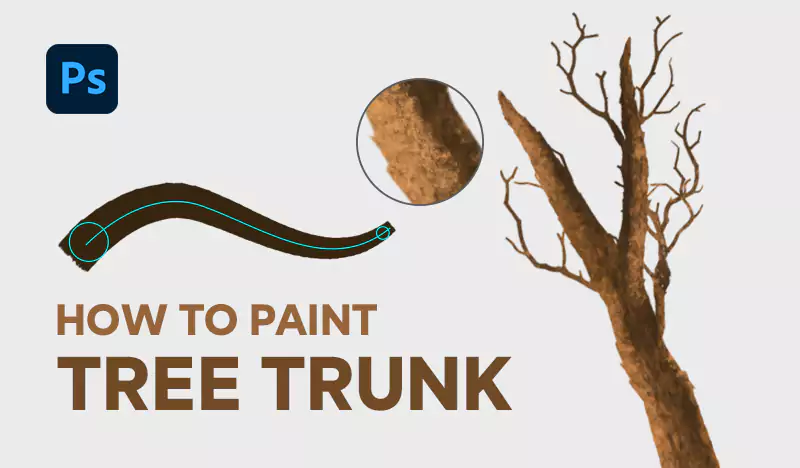
Introduction In this tutorial, we will guide you through the process of painting a realistic tree trunk using our specialized foliage brush pack. These brushes are designed to create authentic textures, helping you achieve stunning results with ease. Whether you’re enhancing a digital forest or adding a single tree to your artwork, this guide will ensure your tree trunk looks lifelike and detailed.
Tutorial Assets
Step 1: Painting the Tree Trunk
start by selecting the tree trunk brush from the foliage brush pack
To use the brushes, you need to load them into Photoshop first.
The difference between the two brushes lies in the edges of the resulting tree trunk: one brush produces softer edges, while the other creates more defined edges.


This brush is designed to create a faded effect, mimicking the natural texture of a real tree trunk. As you start painting, you will notice the brush blends seamlessly, providing a realistic base layer for your tree.


Step 2: Drawing Sub-Trunks
- Keep the same brush to draw the sub-trunks of the tree.
- When you want to create a smaller trunk, start at the bottom of the tree, as shown in the green circle. This technique works realistically since trees grow from the bottom up.
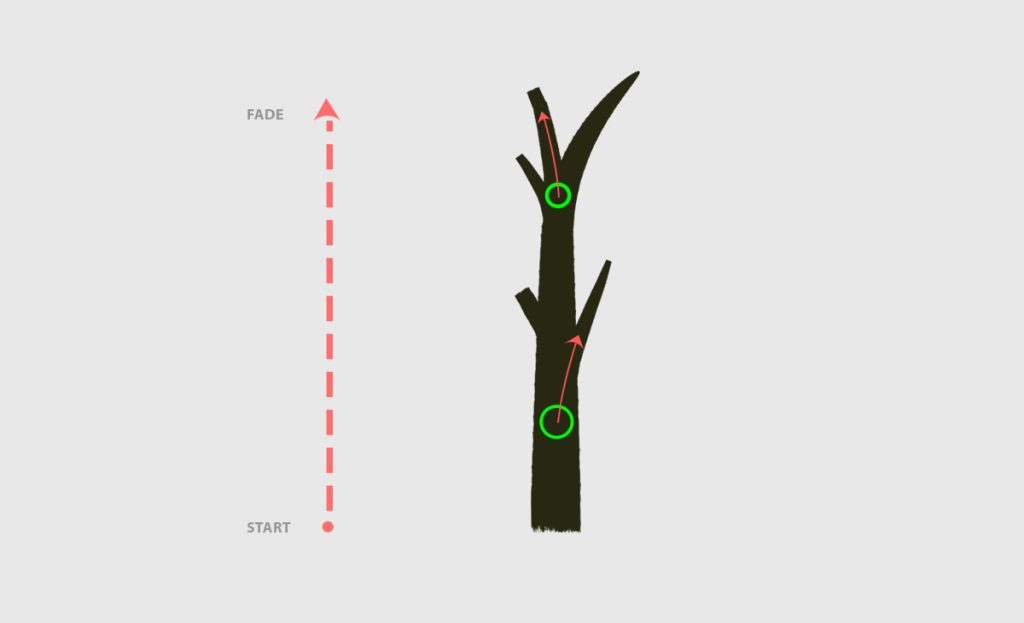
Step 3: Drawing Tree Branches
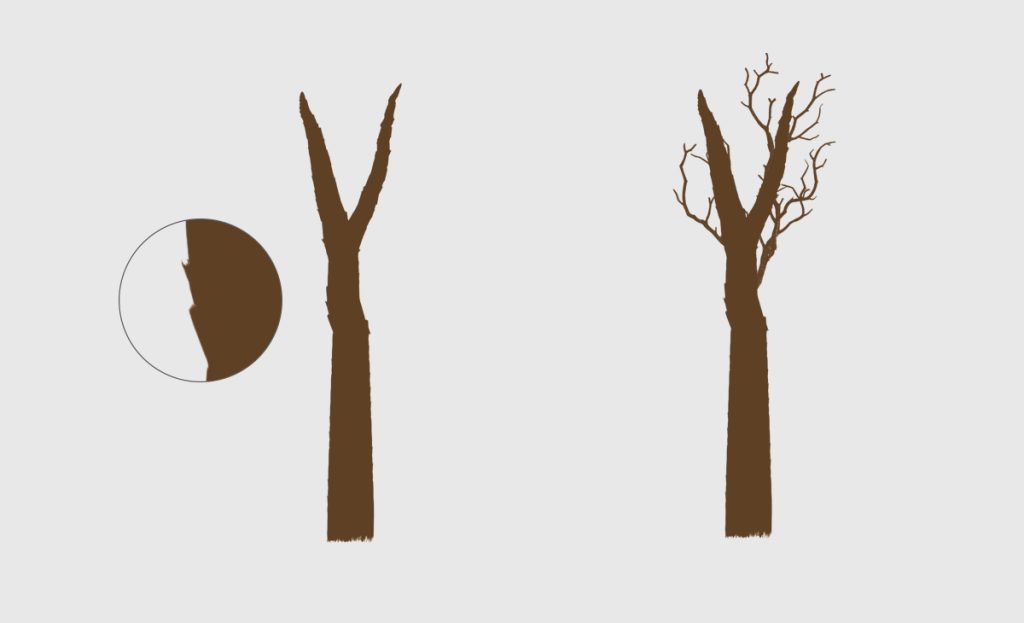
At this point, we’re going to draw the branches. Use any of the brushes from the foliage brush pack to create them.
Just practice with these brushes; they are designed to be easy to use.
Keep the same color as the tree trunk to ensure consistency.
Notice that the dark color should be under the texture layer to add depth and realism to your branches.


write step 4 : paint tree trunk texture use tree trunk texture brushes and 3a2715 for dark colors and ac6e33 for light color a
Here’s the next step for painting tree trunk texture:
Step 4: Painting Tree Trunk Texture
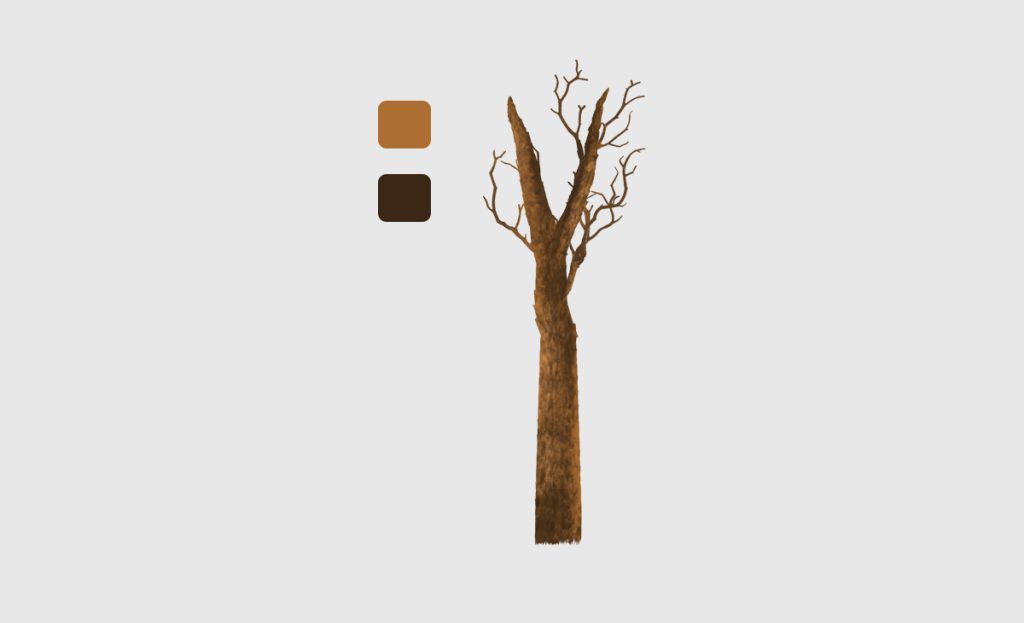
- Use the tree trunk texture brushes from your foliage brush pack to add detailed textures to the trunk.
- For the dark areas, select the color
#3a2715. This will add depth and shadow to the trunk. - For the lighter areas, use the color
#ac6e33. This will highlight the raised parts of the texture, adding a realistic effect. - Carefully apply the texture, blending the dark and light colors to mimic the natural variations found in real tree bark.
Step 5: Adding Foliage
- To complete your tree, you’ll want to add foliage to your branches.
- For detailed instructions on how to paint realistic foliage, please read our comprehensive article on How to Paint Realistic Foliage in Photoshop Using Custom Brushes.